Money Flex Video Music Rights: Add Audio Responsibly in 2026
Add music and share an AI cash-flex video responsibly. Follow a silent MP4 workflow, check audio rights, label synthetic visuals and review your caption.
Try the tool from this guide
Prepare your photo or prompt here. Generation requires purchased credits; the default costs 30 credits.
Create your money-flex video
Start with a photo for a personal result, or describe a fictional scene.
JPG, PNG or WebP · up to 10 MB
Choose a well-lit photo of one consenting adult. JPG, PNG or WebP; up to 10 MB.
Extra direction (optional)
Only you can open your private videos.
30 credits/ 720p · 12s
30 credits · 12 secondsYou have 0 of 30 credits · 30 more needed.
Default generation costs 30 credits. Failed tasks return credits to their original source.
Add a photo or a prompt and confirm that you have permission to use it.
Your videos
Upload a photo or describe a scene, then create your video.
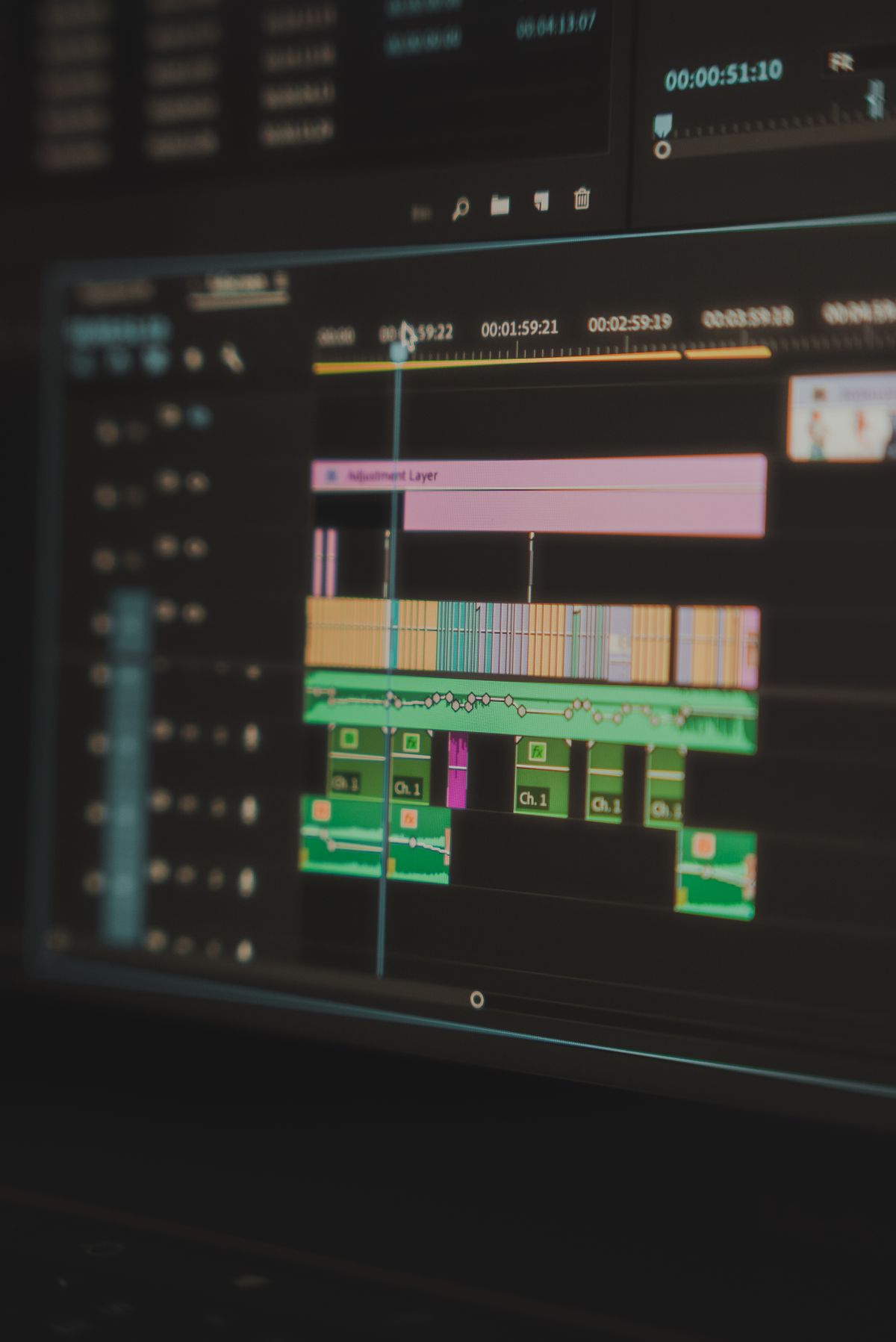
You add music to an AI cash video by keeping the generated MP4 silent and layering separately licensed audio in your own editor before you publish. Share responsibly by labeling synthetic visuals, avoiding implied financial results or endorsements, and checking that your platform and music licenses cover the final post.
Start with the silent output, not a soundtrack
Super Money AI Filter (https://supermoneyaifilte.pro) produces a silent vertical 9:16 MP4 at 720p with a default/recommended 12-second length (30 credits) or a 4-second option (10 credits). That is the file you take into your editor. The tool does not add audio, does not provide music, and does not clear rights for you. Treat the MP4 as a visual asset only.
This matters because music rights are separate from video-generation rights. A track that is fine in one app may be restricted on another platform, in a paid ad, or in a downloaded file you repost elsewhere. Your job is to pair the silent clip with audio you can actually use, then disclose what the clip is.
Before you generate, decide where the final video will live. A personal feed, a brand account, and a client deliverable have different licensing needs. If you cannot name the destination, you are not ready to choose music.
Understand what the tool does and does not give you
Super Money AI Filter is an independent browser tool unrelated to super.money/Flipkart, TikTok, CapCut, or Pippit. It creates fictional cash-flex or money-rain visuals; it is not income analysis, financial advice, or a results demonstration. Standard Seedance 2.0 is the only model. Inputs are one JPG/PNG/WebP photo up to 10MB of a consenting adult, or a text prompt of 10–500 characters, with optional photo direction up to 500 characters. Output is a silent 720p vertical MP4 in two paid lengths: 4 seconds for 10 credits or default/recommended 12 seconds for 30 credits.
There is no 1080p or 4K output, no face-swap, no audio, no batch mode, no editor, and no native app. AI identity, hands, and money text can vary, so no exact likeness or outcome is guaranteed. Browse and prepare locally without login; an account uses a 6-digit email OTP valid for 5 minutes, with no passwords or Google login. There are no free credits, free generations, or free personal previews. If you are underfunded, clicking Prepare my video opens an honest 15-second timer before pricing, with no model call; that state is ready to generate, not video ready. A successful debit gives you the full preview and download even at zero remaining balance, with no watermark or extra unlock. Failed tasks restore original credit sources.
Choose audio by license, not by vibe
Pick the track after you know the platform. Platform audio libraries usually grant use only inside that platform and only while the track remains available there. A downloaded export that contains platform-library audio may be muted, blocked, or claimed when you repost it elsewhere. Separate stock or production-music licenses are clearer for downloads, client work, and cross-posting, but each license has its own limits on monetized channels, paid ads, and redistribution.
Use this comparison as a decision aid, not legal advice:
| Audio source | Typical scope | Download/repost risk | Best for |
|---|---|---|---|
| Platform in-app library | Usually that platform only | High when exported or reposted | Single-platform posts kept inside the app |
| Paid stock/production music | Defined by your license terms | Lower if terms cover your use | Downloads, client work, multi-platform posts |
| Your own original audio | You control the rights | Depends on your own clearances | Brand channels and repeatable formats |
| “No copyright” compilations | Often unclear or mislabeled | High | Avoid for anything you publish seriously |
If a track’s license does not explicitly cover your destination, do not use it. “Royalty-free” does not mean “no conditions.”
Add audio in your editor: numbered steps
- Download the silent MP4. Confirm it is the 9:16, 720p, 12-second file (or the 4-second option if you chose it). Do not screen-record a preview; use the actual download.
- Open your editor and set a 1080×1920 vertical timeline. Place the MP4 on the video track. Keep the original silent file unchanged as your master.
- Import only audio you can license for this destination. Save the license receipt or screenshot the terms page with the date.
- Trim music to the 12-second clip (or 4-second clip if you chose that length). Use a short fade-in and fade-out so the cut does not sound accidental. Do not stretch the video to fit a longer song.
- Keep the mix speech-safe. If you add a voiceover, lower the music under it. If there is no voice, keep the music below clipping and avoid sudden loud transients.
- Add an on-screen synthetic-visual label. A short line such as “AI-generated visuals” in the first seconds is practical and honest. Do not imply the cash shown is real or earned.
- Add captions. Burn in or upload a caption file. Captions should describe the fictional scene, not claim financial results.
- Export a review copy and check it on a phone. Confirm the label is readable, captions are not cut off, and the audio does not clip.
- Archive the project file, the license proof, and the final export together. You will need them if a platform asks questions later.
Label synthetic visuals and avoid implied results
A cash-flex video can look like a earnings proof even when it is fictional. Do not caption it with income figures, “what I made,” or “how to earn.” Do not add a brand logo, a creator’s name, or a testimonial-style voiceover unless you have written permission. Stock subjects and generated people do not endorse the product.
Use plain disclosure: “Fictional AI-generated visuals for entertainment.” Put it where viewers see it before they assume the money is real. If your platform has an AI-content toggle, use it. If it does not, the on-screen label still does the work.
Also check the money text and hands in the clip. AI output can vary, and garbled text or odd hands can make the video look like a scam even when your intent is entertainment. If the variation is too distracting, regenerate rather than trying to explain it away in captions.
Hypothetical example: a 12-second fictional cash-flex post
Suppose a consenting adult submits a photo and receives a silent 12-second MP4 of a fictional cash-flex scene. They plan to post it on two platforms and keep a downloadable copy.
They choose a paid production-music track whose license covers social posts and downloaded exports on both platforms. In the editor, they trim the track to 12 seconds, add a two-second fade, and place a top-corner label reading “AI-generated visuals — fictional.” They add captions that describe the scene (“AI cash-flex visual”) without any income claim. They export a 1080×1920 file with the audio embedded, keep the silent MP4 as the master, and save the license receipt. Before posting, they check both platforms’ AI-disclosure settings and confirm the track is not from either platform’s in-app library. If either platform’s rules change, they can swap the audio because they kept the project file.
This example is hypothetical and does not describe a tested customer result.
Limitations to plan around
The output is silent, so any audio is your responsibility. It is 720p with a default/recommended 12-second length (30 credits) or a 4-second option (10 credits), so do not promise cinematic quality or long-form storytelling. There is no built-in editor, no batch mode, and no native app; you must use a separate editor. Credits are consumed at 30 per 12-second video or 10 per 4-second video, so the one-time Single pack of 10 credits covers one 4-second video but not a 12-second one; Duo Pack at 30 credits covers three 4-second videos or one 12-second video. Monthly credits last the current billing month, yearly credits are credited once and valid for the billing year, and one-time credits are permanent. Pro Monthly and Party Pack are the same price but differ in credits, expiry, and renewal. Cancellation stops renewal, not the current paid cycle. Technical failures restore credit sources but do not guarantee a cash refund. Content moderation applies to text, images, and video.
Pre-publish checklist
- Silent MP4 downloaded, not screen-recorded.
- Audio license covers every destination, including downloads.
- Music trimmed to 12 seconds with clean fades.
- “AI-generated visuals” label visible early.
- No income claims, fake endorsements, or testimonial framing.
- Captions accurate and readable on a phone.
- Project file, license proof, and final export archived.
- Platform AI-disclosure setting checked.
FAQ
Can I use music from the platform where I post?
Often yes, but usually only inside that platform. Exporting or reposting that audio elsewhere can trigger mutes or claims. Check the platform’s terms for the exact use you plan.
Does Super Money AI Filter add music for me?
No. The current output is a silent MP4. You add audio separately in your own editor and you are responsible for the license.
Do I have to say the video is AI-generated?
You should clearly label synthetic visuals. It prevents viewers from mistaking fictional cash scenes for real financial results, and it aligns with platform AI-disclosure expectations.
Can I imply the video shows real earnings?
No. The tool makes fictional visuals, not income proof. Avoid figures, “results,” and endorsement framing. Keep captions descriptive and entertainment-focused.
Ready to create a silent clip and handle the audio yourself? Create your video at /#create.