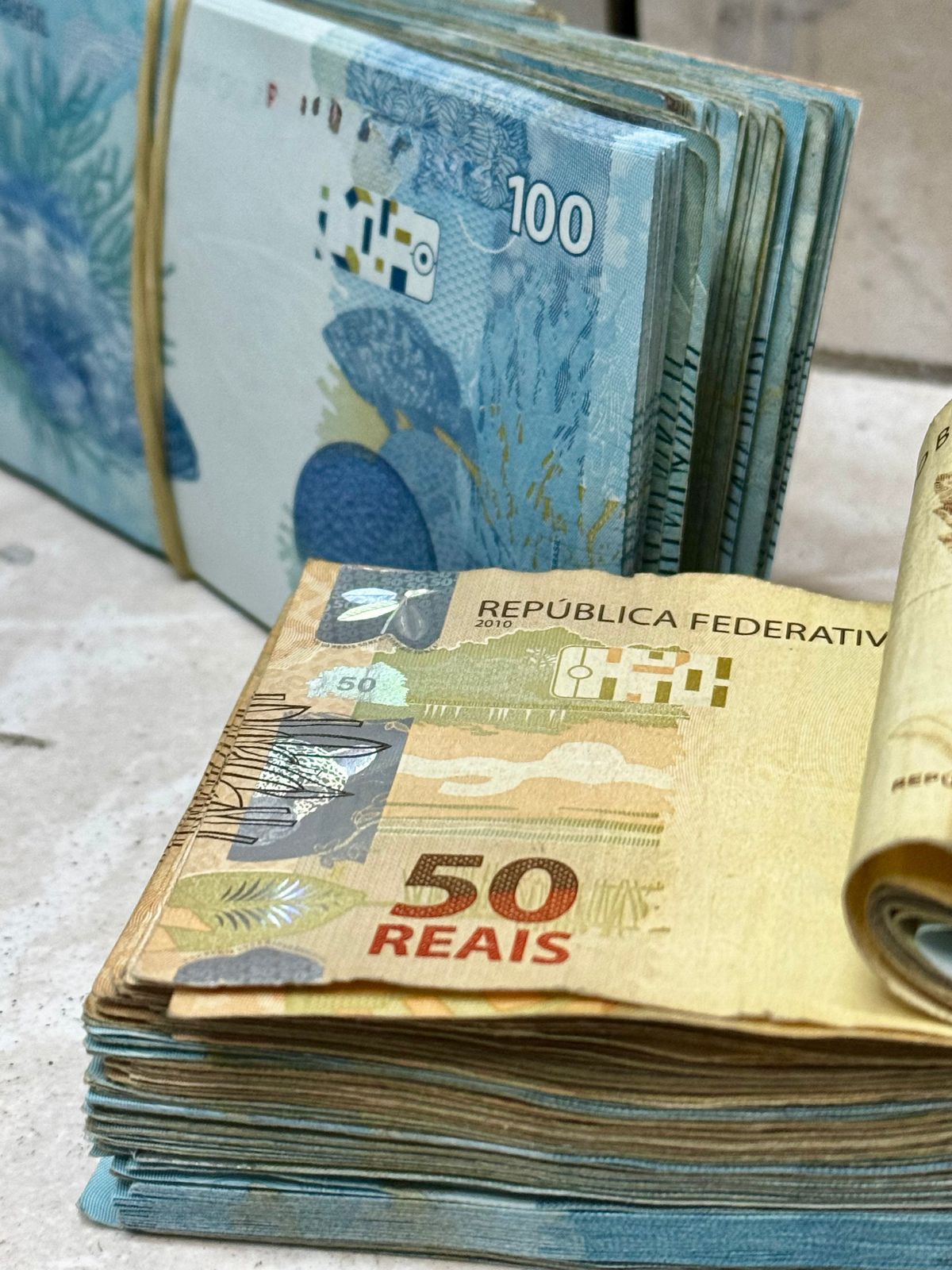
Photo to Money Flex Video: Keep Faces Recognizable
Turn a portrait into a 4-second or 12-second money flex video. Learn how to plan framing, hands, lighting, and identity checks before generating your clip.
Try the tool from this guide
Prepare your photo or prompt here. Generation requires purchased credits; the default costs 30 credits.
Create your money-flex video
Start with a photo for a personal result, or describe a fictional scene.
JPG, PNG or WebP · up to 10 MB
Choose a well-lit photo of one consenting adult. JPG, PNG or WebP; up to 10 MB.
Extra direction (optional)
Only you can open your private videos.
30 credits/ 720p · 12s
30 credits · 12 secondsYou have 0 of 30 credits · 30 more needed.
Default generation costs 30 credits. Failed tasks return credits to their original source.
Add a photo or a prompt and confirm that you have permission to use it.
Your videos
Upload a photo or describe a scene, then create your video.
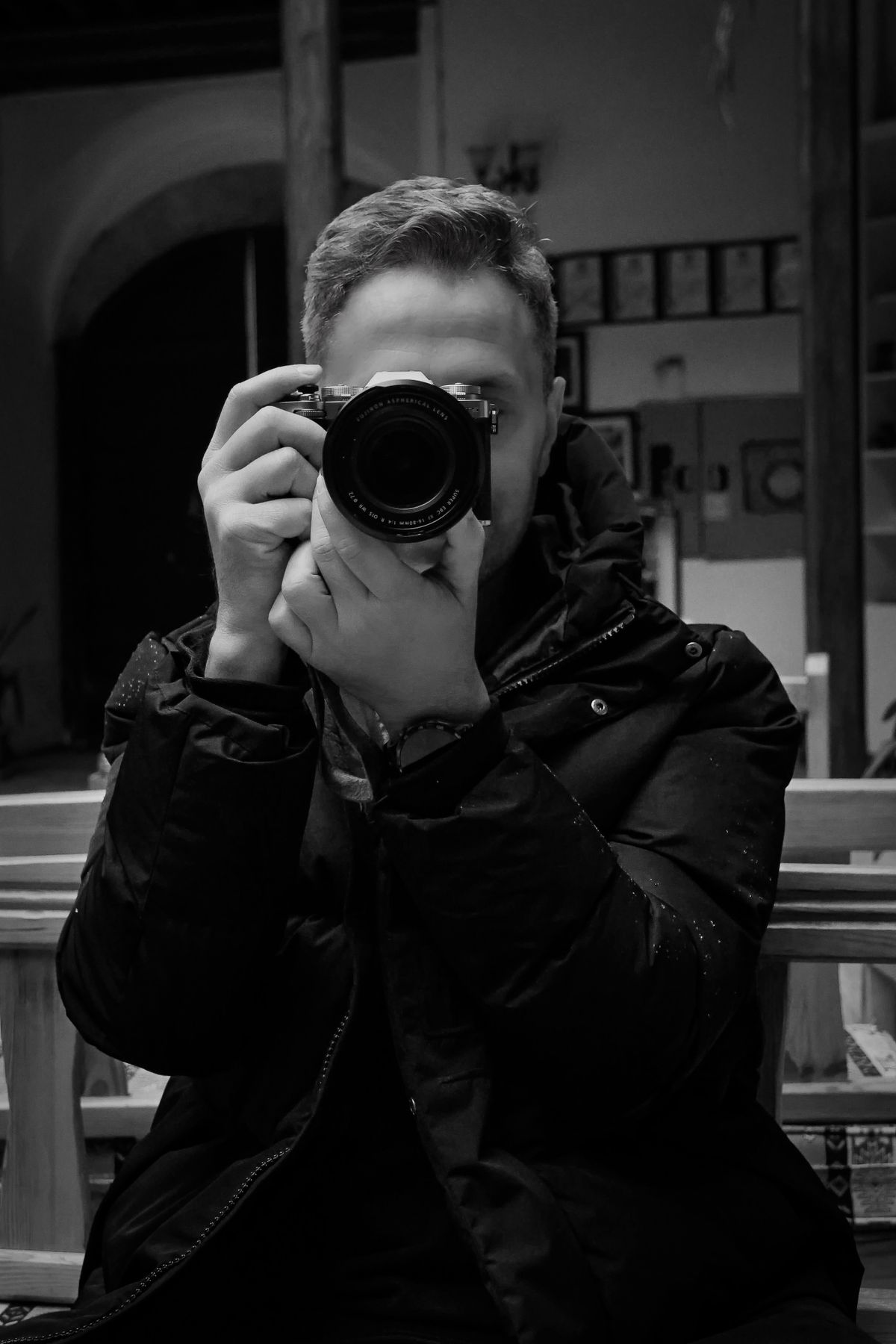
You can turn one portrait into a cash-flex video by choosing a clear, evenly lit photo with visible hands and a plain background, then keeping the requested motion simple so the face stays close to the original. The tool animates your photo into a silent 9:16 clip, but AI can still alter identity and hands, so plan the shot and review the result carefully.
Start with a photo that can survive animation
The single biggest factor in keeping a face recognizable is the photo you upload. The Super Money AI Filter accepts one JPG, PNG, or WebP image up to 10MB of a consenting adult, plus an optional photo direction of up to 500 characters. Treat that upload as the foundation, not an afterthought.
Aim for a portrait where the subject is the clear focus. The face should be large enough in frame to read as a person, not a tiny figure in a wide shot. Keep the head and shoulders inside the frame with a little breathing room, and avoid heavy shadows across the eyes, nose, or mouth. Those shadows are where AI tends to invent new shapes.
Plain backgrounds help more than dramatic ones. A busy room, strong patterns, or a crowd gives the model more to reinterpret and can pull attention away from the face. A simple wall, a clean outdoor backdrop, or a softly blurred setting keeps the subject distinct.
Make hands and money readable
Cash-flex videos live or die on hands. If hands are hidden, cropped, or tangled with objects, the generated motion has little to work with and may produce awkward or merged fingers. Show hands clearly, ideally with palms or fingers visible and not overlapping the face.
Keep any money in the photo simple and legible. Avoid fanning notes so tightly that they become a blur, and avoid stacking cash in front of the chin or mouth. The model needs a clean silhouette to animate. If you want a money-rain look, a plain background and open posture give the effect room to appear without covering the face.
Lighting matters here too. Soft, even light on the hands reduces the chance of strange shadows turning into extra fingers. If you shoot near a window, face the light rather than standing with it behind you.
Choose camera distance and framing deliberately
A medium shot, roughly from the waist up, usually balances face detail with room for hand movement. Too close and the hands fall out of frame; too far and the face loses detail. Keep the camera at roughly eye level so the face is not distorted by an upward or downward angle.
Shoot vertical if you can, since the output is a silent vertical 9:16 MP4 at 720p, offered in a 4-second length or a default 12-second length. A vertical source photo reduces the amount of cropping the tool has to do. If your only good portrait is horizontal, check that the face and hands both sit inside a central vertical band before uploading.
Preserve identity versus artistic changes
There is a real trade-off between a faithful face and a dramatic money-flex scene. The more you ask the tool to change pose, setting, or styling, the more room there is for the face to drift. If recognizability is the priority, keep the optional photo direction short and grounded: describe the motion and mood, not a full costume change.
Use the text prompt only when you are generating without a photo, or keep it aligned with the photo you upload. Prompts of 10 to 500 characters work best when they describe a simple action, such as presenting cash toward the camera or standing in a light money rain. Avoid stacking contradictory instructions.
Comparison table: planning priorities
| Decision | Better for recognizability | Higher risk to identity |
|---|---|---|
| Face size in frame | Head and shoulders clearly visible | Tiny face in a wide scene |
| Hands | Visible, relaxed, unobstructed | Hidden, crossed, or clutching objects |
| Background | Plain wall or soft blur | Crowded room or strong patterns |
| Lighting | Soft and even on face and hands | Harsh side shadows or backlight |
| Camera distance | Waist-up, eye level | Extreme close-up or faraway full body |
| Photo direction | Short, simple motion cue | Complex pose or outfit changes |
Actionable steps to build the video
- Select one portrait. Choose a consenting adult photo where the face is sharp, evenly lit, and at least head-and-shoulders size. Confirm the file is JPG, PNG, or WebP and under 10MB.
- Check the hands. Make sure fingers are visible and not merged with cash, clothing, or the face. If they are not, reshoot or pick another photo.
- Simplify the background. Prefer a plain wall, open sky, or soft blur. Remove distracting objects from the frame before uploading.
- Write a short photo direction. Keep it under 500 characters and focus on one motion, such as raising a hand or standing in light money rain. Do not ask for a new face or a different person.
- Open the browser tool. Use Safari or Chrome and go to the create page. Browse and prepare locally without login; an email OTP of six digits, valid for five minutes, is needed only when you create an account.
- Confirm your credit balance. A 4-second video costs 10 credits and the default 12-second video costs 30 credits. The one-time Single pack gives 10 credits, enough for one 4-second video, so choose the Duo Pack at 30 credits for three 4-second videos or one 12-second video, or a larger plan. There are no free credits or free personal previews.
- Generate and review. The output is a silent 720p vertical MP4. Check the face, hands, and any money text before sharing. AI identity, hands, and money text can vary, and no exact outcome is guaranteed.
- Download your preview. A successful debit gives you the full preview and download even if your remaining balance is zero, with no watermark or extra unlock.
Hypothetical planning example: before and after brief
This is a planning example, not a real customer result.
Before: A portrait shot indoors against a cluttered bookshelf, taken from chest up with one hand in a pocket. The face is partly shadowed on one side, and the camera is slightly above eye level.
After brief: Reshoot against a plain light wall, waist-up, camera at eye level. Ask the subject to hold a small fan of notes at chest height with fingers visible and relaxed. Use soft window light from the front. Upload the new photo with a short direction: "Stand still, raise the cash slightly toward the camera, calm expression." Keep the request simple so the face stays close to the original.
Limitations to plan around
The tool makes fictional cash-flex or money-rain videos. It is not an income tool, financial analysis product, or a way to verify earnings. It uses standard Seedance 2.0 only, and the output is a silent 9:16 MP4 at 720p, offered in a 4-second length or a default 12-second length. There is no 1080p or 4K, no face-swap, no audio, no batch mode, no editor, and no native app. It runs in Safari or Chrome, not as an APK.
AI can change identity, hands, and money text. You should not expect guaranteed likeness or an exact outcome. Licensed stock clips are style references, not outputs or testimonials. Content moderation applies to text, images, and video. Pricing and credit expiry differ by plan: monthly credits last the current billing month, yearly credits are credited once and valid for the billing year, and one-time credits are permanent. Cancellation stops renewal but does not refund the current paid cycle. Refund and privacy details are on the refund policy and privacy policy pages.
FAQ
Can I keep the exact same face in the video?
You can improve the odds by using a clear, evenly lit portrait and keeping the requested motion simple, but the tool does not guarantee exact likeness. AI identity can vary, so review the result before sharing.
Why do hands look wrong in money-flex videos?
Hands are hard for AI to animate, especially when fingers overlap cash or clothing. Show hands clearly in the source photo, keep them away from the face, and avoid complex gestures in your direction.
Do I need a text prompt if I upload a photo?
No. You can upload one photo alone, or add an optional photo direction of up to 500 characters. A short motion cue is usually safer for recognizability than a long, detailed scene request.
How many credits do I need for one video?
A 4-second video costs 10 credits and the default 12-second video costs 30 credits. The one-time Single pack gives 10 credits, enough for one 4-second video, so choose the Duo Pack at 30 credits for three 4-second videos or one 12-second video, or a larger plan. There are no free credits or free previews.
Ready to plan your shot? Create your money flex video with a clear portrait, visible hands, and a plain background.