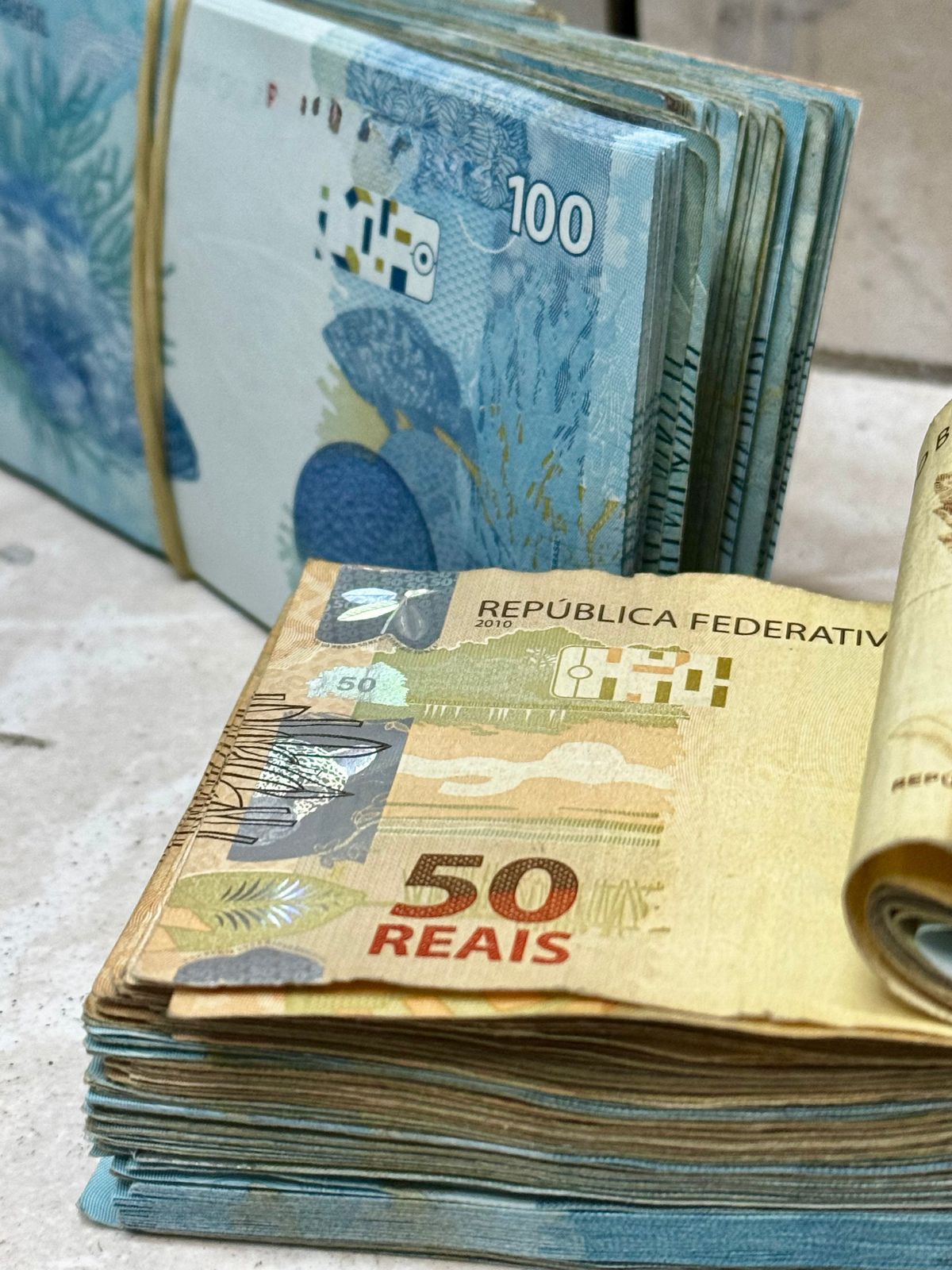
How to Fix AI Money Video Hands and Faces: 2026 Guide
Why hands and faces distort in AI cash-flex videos, plus a diagnosis table, prep checklist, low-motion prompt tips and a review step before you pay again.
Try the tool from this guide
Prepare your photo or prompt here. Generation requires purchased credits; the default costs 30 credits.
Create your money-flex video
Start with a photo for a personal result, or describe a fictional scene.
JPG, PNG or WebP · up to 10 MB
Choose a well-lit photo of one consenting adult. JPG, PNG or WebP; up to 10 MB.
Extra direction (optional)
Only you can open your private videos.
30 credits/ 720p · 12s
30 credits · 12 secondsYou have 0 of 30 credits · 30 more needed.
Default generation costs 30 credits. Failed tasks return credits to their original source.
Add a photo or a prompt and confirm that you have permission to use it.
Your videos
Upload a photo or describe a scene, then create your video.
Hands and faces distort in a cash-flex video because the model is inventing fingers, facial structure and money edges across fast motion and overlapping objects, not copying a fixed template. Fix it by simplifying motion, reducing occlusion, preparing a clean input photo and reviewing the finished clip before you regenerate.
Why distortion happens in cash-flex clips
A cash-flex video asks a generative model to do several hard things at once: hold a human face consistent, build believable fingers, and layer thin, repetitive money shapes over both. When those elements move quickly or overlap, the model has less visual information to work with and starts guessing. That guessing is what you see as melted fingers, drifting eyes, warped jawlines or money that appears to pass through a hand.
This guide treats distortion as an input-and-motion problem, not a luck problem. You will diagnose the likely cause, prepare a cleaner photo, write a lower-motion prompt, and decide whether a second paid generation is worth it.
Diagnosis table: match the symptom to the cause
Use this table before changing anything. Find the symptom you see, then apply the matching fix in the steps below.
| Symptom in the clip | Likely cause | What to change |
|---|---|---|
| Fingers merge, multiply or bend backward | Hands are small, fast-moving or partly hidden by money | Slow hand motion, keep hands larger in frame, avoid overlapping cash |
| Face stretches, eyes drift or jaw warps | Head turns, camera moves or the face is small in frame | Reduce head and camera motion, use a clear front-facing photo |
| Money edges smear into the hand | Occlusion: cash crosses in front of fingers | Keep money away from the face and hands, or behind the subject |
| Identity looks like a different person | Photo is low quality, angled, or the prompt pushes a strong style | Use a sharp, evenly lit, front-facing photo and a simpler prompt |
| Distortion appears only mid-clip | Motion complexity spikes partway through | Describe one steady action, not a sequence of actions |
| Text on money looks scrambled | Model-generated lettering is unreliable | Avoid prompts that demand readable text on notes |
Preparation checklist before you generate
Do these checks first. They cost nothing and remove the most common causes.
- Use one consenting adult, front-facing and sharp. A JPG, PNG or WebP under 10MB. Avoid sunglasses, heavy shadow, extreme angles or a tiny face in a wide shot.
- Keep hands visible and uncluttered. If hands appear in the photo, make sure fingers are separated and not holding objects.
- Write a prompt between 10 and 500 characters. Name one subject, one setting and one simple action.
- Add optional photo direction under 500 characters only if you need to describe framing or mood. Keep it short.
- Decide the money placement in words. Say whether cash falls behind the subject, in the background, or to one side.
- Avoid demanding readable text on notes or signs.
- Confirm your credits cover your chosen length: 10 credits for a 4-second video or 30 credits for the default 12-second video. The Single pack of 10 credits covers one 4-second video; the Duo Pack of 30 covers three 4-second videos or one 12-second video.
Write a low-motion prompt
Motion complexity is the biggest lever you control. A prompt that asks for spinning, throwing, walking and turning all at once gives the model too many chances to guess.
Aim for one steady action and one clear camera behaviour. For example: a person stands still facing the camera, cash falls gently in the background, camera locked off, soft indoor light. That is far easier to render cleanly than a subject catching money mid-air while turning.
Keep hands out of fast interaction. If hands must appear, describe them resting or making one slow gesture. Keep money from crossing the face. If you want a dynamic feel, let the money move and keep the person still.
Review the completed clip before paying again
A successful generation gives you a full preview and download even if your balance reaches zero, with no watermark or extra unlock. Use that preview properly.
- Watch once at normal speed for overall motion.
- Pause on frames where hands and face are largest.
- Check fingers, eyes, jawline and where money meets skin.
- Note whether the problem is motion, occlusion or the photo itself.
- Change only one variable before regenerating.
If the clip fails technically, the original credit sources are restored. That is a credit return for a failed task, not a guaranteed cash refund, and the refund policy at /refund explains the terms.
Hypothetical example: a distorted clip, diagnosed
Suppose you upload a sharp front-facing photo of a consenting adult and prompt: subject smiles and turns while catching falling cash, camera pushes in, hands raised, money crossing the face. The result shows merged fingers and a warped jaw.
Diagnosis: three motion sources (turn, catch, camera push) plus occlusion (cash crossing the face). The photo was fine; the prompt was overloaded.
Revision: keep the subject still and facing the camera, lower the hands, move cash to the background, lock the camera, and remove the catch action. This is a hypothetical illustration of the method, not a claim about any specific result. Likeness and hands can still vary, and no outcome is guaranteed.
Paid repeat versus refunded technical failure
Decide deliberately, because a repeat generation costs credits.
- Pay for a repeat when the clip rendered successfully but the hands, face or money placement did not meet your standard. That is a creative miss, not a fault, so it uses new credits.
- Expect a credit restore when the task fails technically. The original credit sources are returned.
- Do not expect a cash refund for a technically failed task; the policy is credit return, not guaranteed cash.
Before spending again, confirm you have changed the input, the motion or the occlusion. Regenerating an identical prompt usually repeats the same weakness.
Specific limitations to plan around
- Output is currently a silent vertical 9:16 MP4 at 720p, with two paid lengths: 4 seconds for 10 credits or the default/recommended 12 seconds for 30 credits. There is no 1080p, 4K, audio, face-swap, batch, editor or native app.
- Standard Seedance 2.0 only. AI identity, hands and money text can vary, with no guaranteed likeness or exact outcome.
- The tool makes fictional cash-flex or money-rain videos. It is not for income or financial analysis.
- Credits: monthly credits apply to the current billing month, yearly credits are credited once and valid for the billing year, and one-time credits are permanent. Cancelling stops renewal but not the current paid cycle.
- Browsing and preparing locally needs no login. An account uses a 6-digit email OTP valid for 5 minutes; there are no passwords or Google login.
- There are no free credits, free generations or free personal previews. If underfunded, Prepare my video opens an honest 15-second timer before pricing, with no model call; it means ready to generate, not video ready.
- Content moderation applies to text, images and video.
For related setup help, see photo to money flex video, prompt guidance and pricing.
FAQ
Why do hands distort more than faces?
Hands have many small, overlapping parts and are often partly hidden by money. When they move fast or sit small in frame, the model has less to work from and guesses at finger structure.
Should I use a different photo or a different prompt?
Change one at a time. If the face drifts but hands are fine, the photo or head motion is the likely cause. If only hands fail, reduce hand motion and keep cash from crossing fingers.
Can I get a perfect likeness?
No guarantee exists. AI identity, hands and money text can vary. A sharp front-facing photo and low motion improve consistency but do not promise an exact match.
Do failed generations cost me credits?
A failed task restores the original credit sources. A successful clip that you simply dislike is a creative miss and needs new credits for another attempt. Check /refund for the terms.
Ready to try a calmer, cleaner prompt? Create your video.