Super Money AI Filter Privacy: Safe Portrait Uploads?
Is it safe to upload a portrait for a money-flex video? Learn consent rules, private defaults, what to keep out of photos and how model providers process them.
Try the tool from this guide
Prepare your photo or prompt here. Generation requires purchased credits; the default costs 30 credits.
Create your money-flex video
Start with a photo for a personal result, or describe a fictional scene.
JPG, PNG or WebP · up to 10 MB
Choose a well-lit photo of one consenting adult. JPG, PNG or WebP; up to 10 MB.
Extra direction (optional)
Only you can open your private videos.
30 credits/ 720p · 12s
30 credits · 12 secondsYou have 0 of 30 credits · 30 more needed.
Default generation costs 30 credits. Failed tasks return credits to their original source.
Add a photo or a prompt and confirm that you have permission to use it.
Your videos
Upload a photo or describe a scene, then create your video.
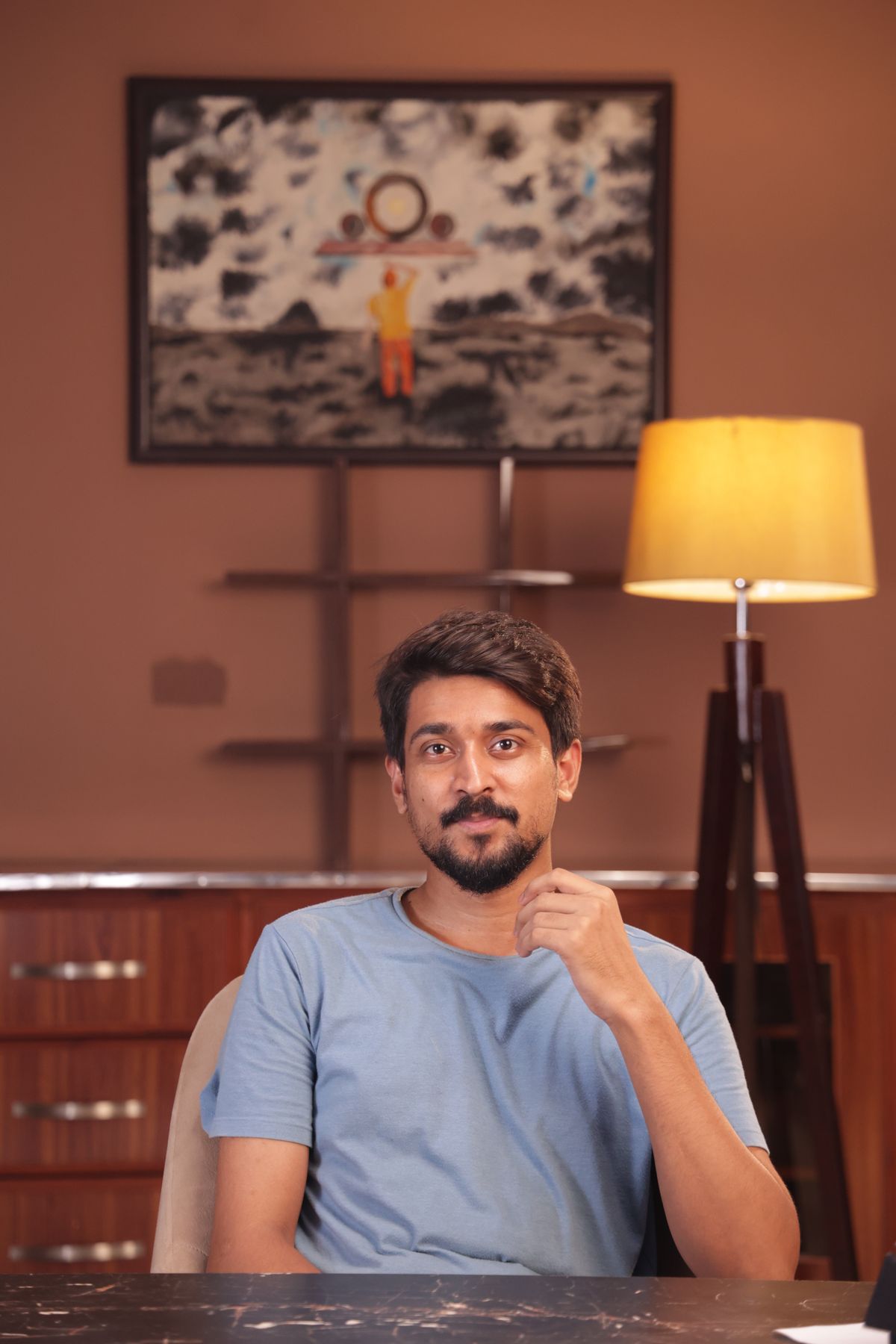
Uploading a portrait is reasonably safe only if you own the photo, the person pictured is a consenting adult, and you keep IDs, bank details, and other sensitive documents out of the frame. Super Money AI Filter is an independent browser tool that processes one photo or a text prompt to make a fictional money-flex clip, and results are private by default and tied to your account.
What the tool actually does with your portrait
Super Money AI Filter turns one JPG, PNG, or WebP photo (up to 10MB) of a consenting adult into a silent, vertical 9:16 MP4 money-flex or money-rain style clip. You can also skip the photo and use a text prompt of 10–500 characters, with an optional photo direction of up to 500 characters.
That framing matters for privacy. You are not uploading a portrait for identity verification, financial analysis, or account opening. The output is fictional entertainment, not income data. The tool is an independent browser product and is unrelated to super.money/Flipkart, TikTok, CapCut, or Pippit, so do not assume those platforms' privacy rules apply here.
Before you upload, decide one thing: is this photo yours to share, and does every adult in it agree to a synthetic money-style video? If the answer is unclear, use a text prompt instead.
Consent and adult subjects: the non-negotiable rule
Only upload a photo of a consenting adult. That means the person pictured knows the image will be used to generate a fictional money-flex video and has agreed to it. Do not upload photos of minors, people who have not agreed, or images you scraped from social media.
Consent is not a one-time formality. If you plan to share the result publicly, confirm the person is still comfortable with that specific use. The tool keeps results private by default and only makes them public if you choose and they pass curation, but your own sharing decision is separate from the tool's default.
A practical check before every upload:
- Confirm the person is 18 or older.
- Confirm they agreed to a synthetic money-style clip, not just to being photographed.
- Confirm you have the right to use the image file itself.
- If any answer is no, switch to a text prompt.
Keep IDs, bank details, and documents out of the frame
This is the most common privacy mistake. A portrait that includes a passport, driver's license, bank card, account statement, payslip, or any document with a name, number, or address is no longer just a portrait. Crop or reshoot so the frame contains only the person.
Also watch for background details: a monitor showing account balances, a letter with an address, a phone screen with a banking app. Even a small readable element can leak more than you intend.
Use this pre-upload checklist:
- Crop tightly to the subject.
- Remove or blur documents, cards, and screens.
- Avoid uniforms or badges that reveal an employer or ID number.
- Check reflections in glasses and windows.
- Keep the file under 10MB and in JPG, PNG, or WebP format.
If you want a money-flex look without exposing a real person's documents, a text prompt is the cleaner path. See photo to money flex video for input guidance.
Third-party processing and account-bound access
You browse and prepare locally without logging in. To generate, you need an account: an email one-time passcode of six digits, valid for five minutes. There are no passwords and no Google login, which reduces credential risk but means your email inbox is the access point.
Generation runs through the service and its model provider, so treat your upload as data that leaves your device. The brief does not promise zero retention, and you should not assume it. Read the privacy policy and terms of service for the current processing and retention terms before uploading anything sensitive.
Results are account-bound. A successful credit debit gives you a full preview and download even if your remaining balance is zero, with no watermark or extra unlock. Failed tasks restore the original credit sources. Access to your generated clip depends on your account, so protect your email and do not share your OTP.
Comparison: photo input vs text prompt
| Factor | Photo input | Text prompt |
|---|---|---|
| Privacy exposure | Higher: a real face leaves your device | Lower: no portrait uploaded |
| Consent needed | Yes, from the adult pictured | Not applicable to a real person |
| Risk of leaked documents | Real if background is not cleaned | None from the image |
| Likeness control | AI identity and hands can vary; no guarantee | No real likeness to protect |
| Best for | Consenting adults who want a personal clip | Privacy-first or document-free creation |
| Input limits | One JPG/PNG/WebP, 10MB max | 10–500 characters |
If privacy is your priority, the text prompt column wins. If you need a recognizable person, the photo column requires the consent and cleanup steps above.
Step-by-step: a privacy-first upload
- Decide the input type. Choose a text prompt if you want zero portrait exposure. Choose a photo only for a consenting adult.
- Clean the image. Crop to the subject, remove documents and screens, and check reflections.
- Confirm consent. Get explicit agreement for a fictional money-style clip and, if relevant, public sharing.
- Read the policies. Open privacy policy and terms of service before your first upload.
- Create your account. Use an email OTP; it is six digits and valid for five minutes. Never forward the code.
- Prepare your video. Add your photo or prompt and optional direction up to 500 characters. If you are underfunded, the Prepare my video button opens an honest 15-second timer before pricing; no model call happens, and it means ready to generate, not video ready.
- Buy enough credits. A 12-second video costs 30 credits, so the 10-credit Single pack covers one 4-second video but not a 12-second one; the Duo Pack at 30 credits covers one 12-second video or three 4-second videos.
- Generate and download. Keep the result private unless you deliberately choose public and it passes curation.
- Review before sharing. Watch for AI identity or hand variation and any money text that looks off.
Hypothetical example: a cleaned-up portrait upload
Suppose a consenting adult wants a money-rain clip for a private group chat. They choose a photo taken against a plain wall, crop out a laptop showing a banking dashboard, and confirm they are comfortable with a synthetic clip. They read the privacy policy, create an account with an OTP, and buy the Duo Pack because 30 credits cover one 12-second video or three 4-second videos. The result stays private by default. They download it, notice one hand looks slightly off, and decide to share it only with friends rather than publicly. No document, ID, or bank detail ever entered the frame.
Limitations you should plan around
- Output is currently silent, vertical 9:16 MP4 at 720p, with two paid lengths: 4 seconds for 10 credits or default 12 seconds for 30 credits. There is no 1080p, 4K, audio, face-swap, batch, editor, or native app.
- Only standard Seedance 2.0 is used. AI identity, hands, and money text can vary; likeness and exact outcome are not guaranteed.
- There are no free credits, free generations, or free personal previews.
- Monthly credits last the current billing month; yearly credits are credited once and valid for the billing year; one-time credits are permanent. Cancellation stops renewal but not the current paid cycle.
- Technical failure credit return is not a guaranteed cash refund; see refund policy.
- Content moderation applies to text, images, and video. There is no circumvention guidance.
- Browser support is Safari and Chrome; there is no APK.
- Licensed stock clips are style references, not outputs or endorsements.
FAQ
Is it safe to upload my portrait for a money-flex video?
It can be, if you own the photo, the person is a consenting adult, and no IDs or bank details are visible. The portrait leaves your device for processing, so read the privacy policy first and use a text prompt if you want no portrait exposure.
Does Super Money AI Filter keep my photo forever?
Do not assume zero retention. The brief does not promise it. Check the privacy policy for current retention terms before uploading, and avoid uploading anything you would not want processed off-device.
Who can see my generated video?
Results are private by default and public only if you choose and they pass curation. Access is account-bound, so protect your email and OTP. See money flex video music sharing for sharing considerations.
Can I make a money-flex video without uploading a face?
Yes. Use a text prompt of 10–500 characters. It avoids portrait exposure entirely and sidesteps consent issues, though AI identity and money text can still vary. For prompt ideas, see Super Money AI Filter prompts.
Ready to start with the privacy-first path? Create your video at /#create.